Triptych
An outfit builder in three panels. Triptych lays a look out the way you would on the bed: a top, a bottom and shoes, one panel each. Swipe one and the rest of the look stays put.
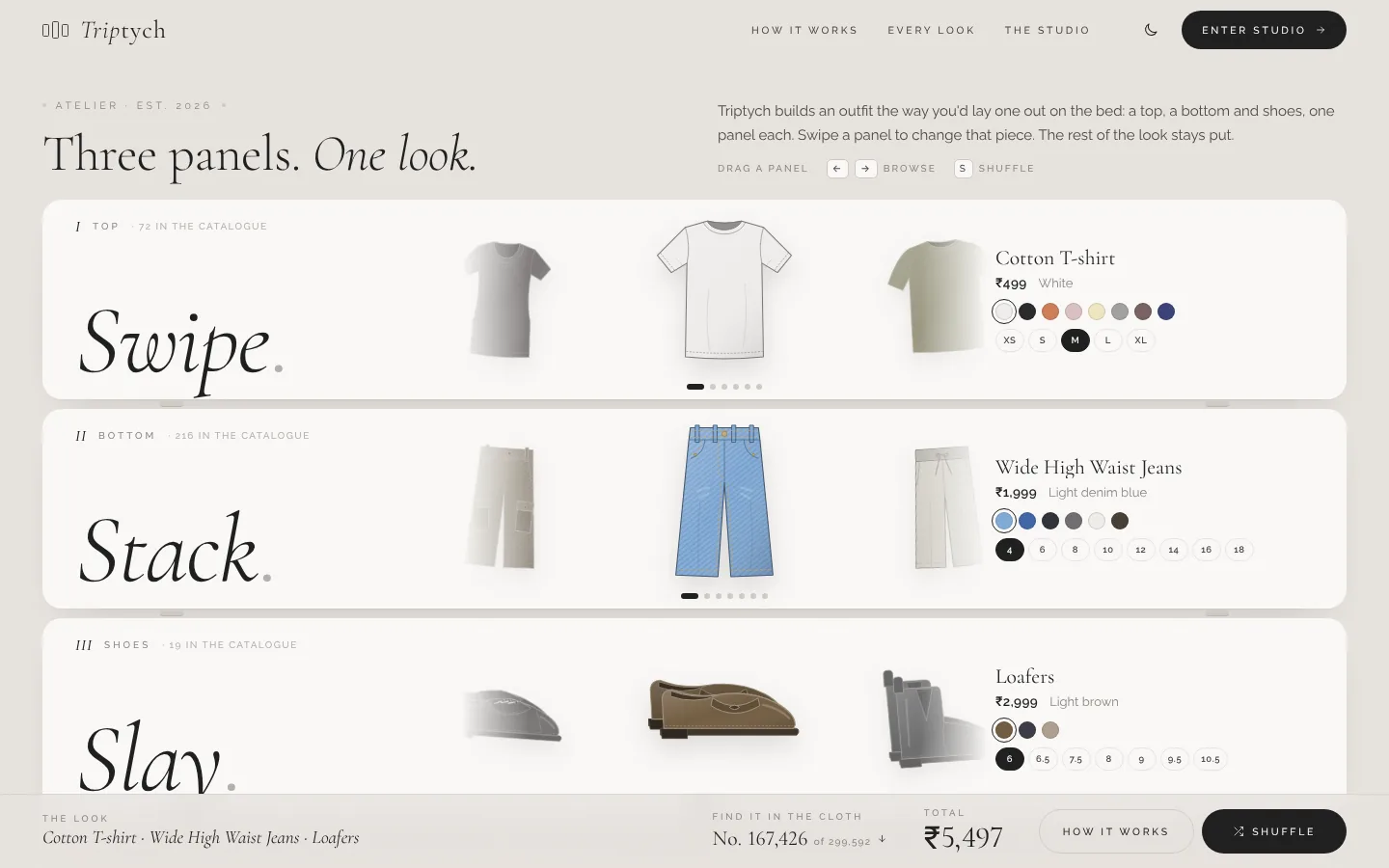
Build the look one piece at a time.
Triptych builds an outfit the way you’d lay one out on the bed. Change one piece and the rest of the look stays where it is, so you compare one thing at a time.
Pieces come from a retailer’s catalogue that refreshes itself on a schedule, and every piece opens on the retailer’s own page in the colour you picked.
- Three independent panels: top, bottom and shoes
- Filters for department and occasion
- A running total in rupees as you swipe
- One bag for the whole look
- AI try-on from a photo of yourself
- Team
- Naheel N Akhtar, Jayaditya G Nair, Mohamed Nasheen
- Year
- 2026
- Type
- Outfit builder
- Status
- Live
Every top meets every bottom
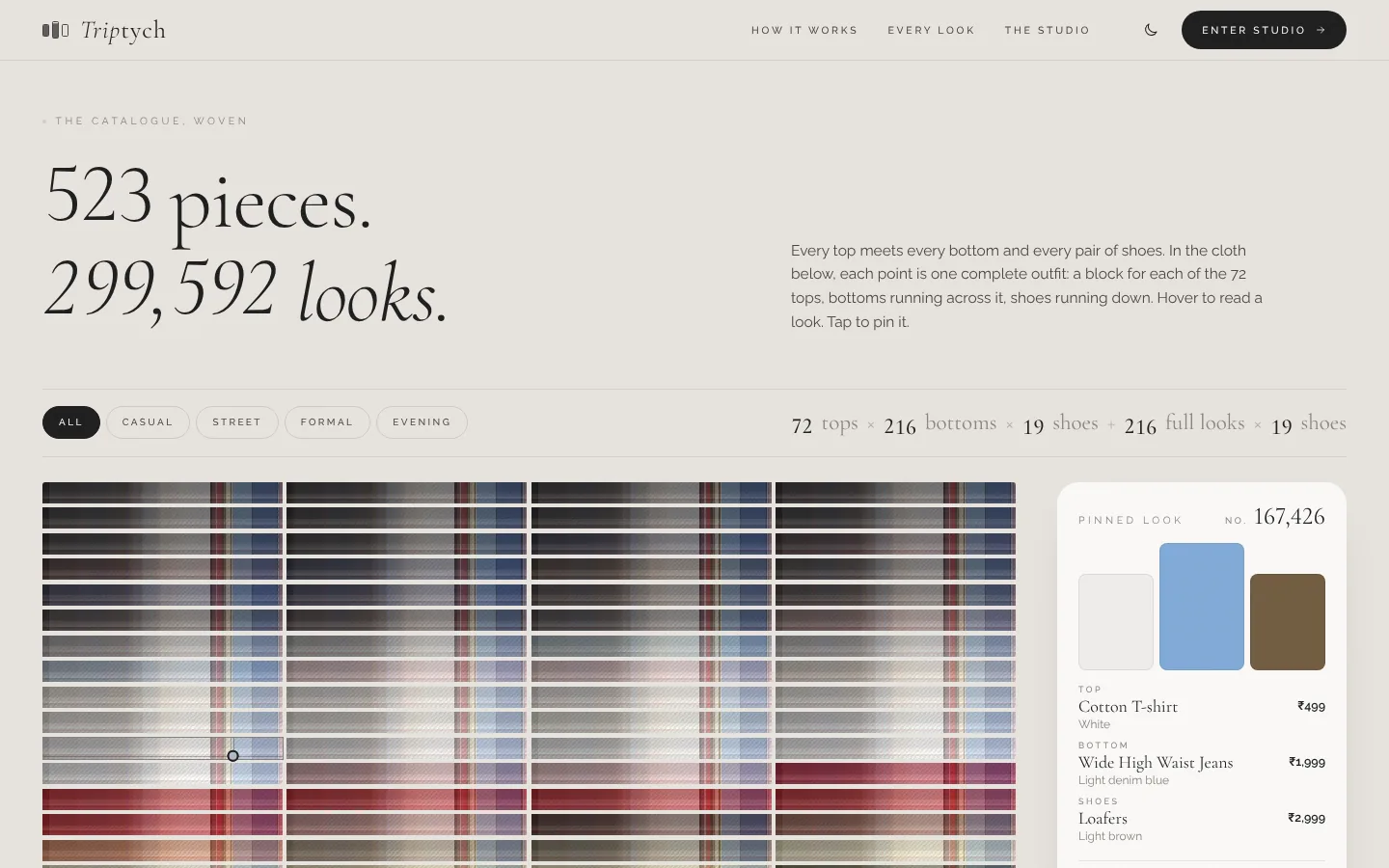
523 pieces. 299,592 looks.
The catalogue holds 72 tops, 216 bottoms, 19 pairs of shoes and 216 full looks. The Every Look page weaves every possible outfit into one cloth: a block for each top, bottoms running across it and shoes running down. Each point is an outfit you can hover to read and tap to pin.
Swipe. Stack. Slay.

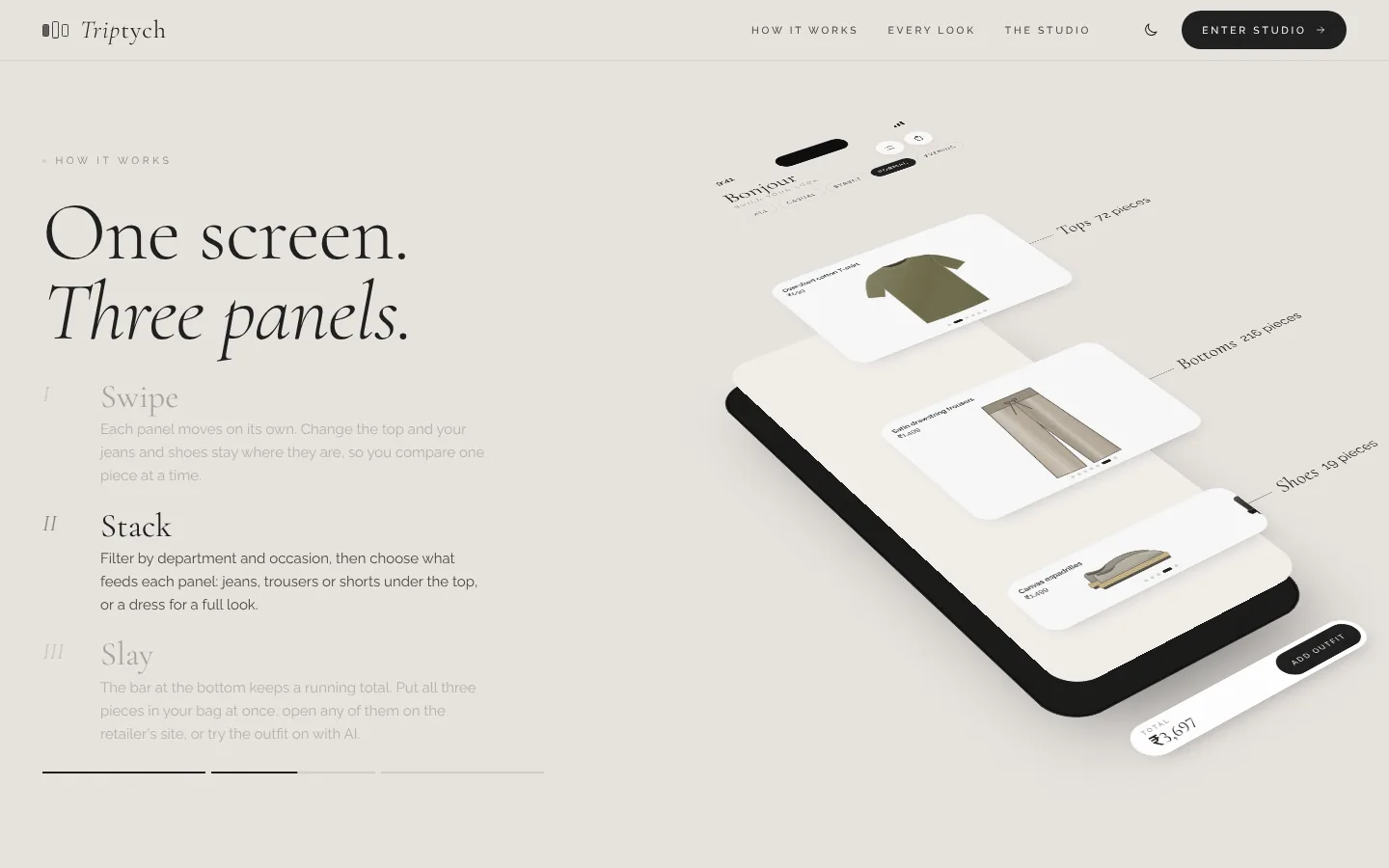
Each panel moves on its own. Change the top and the jeans and shoes stay where they are.

Filter by department and occasion, then choose what feeds each panel, or pick a dress for a full look.

A running total, one bag for the whole look, retailer links, and an AI try-on from your photo.
Around the three panels
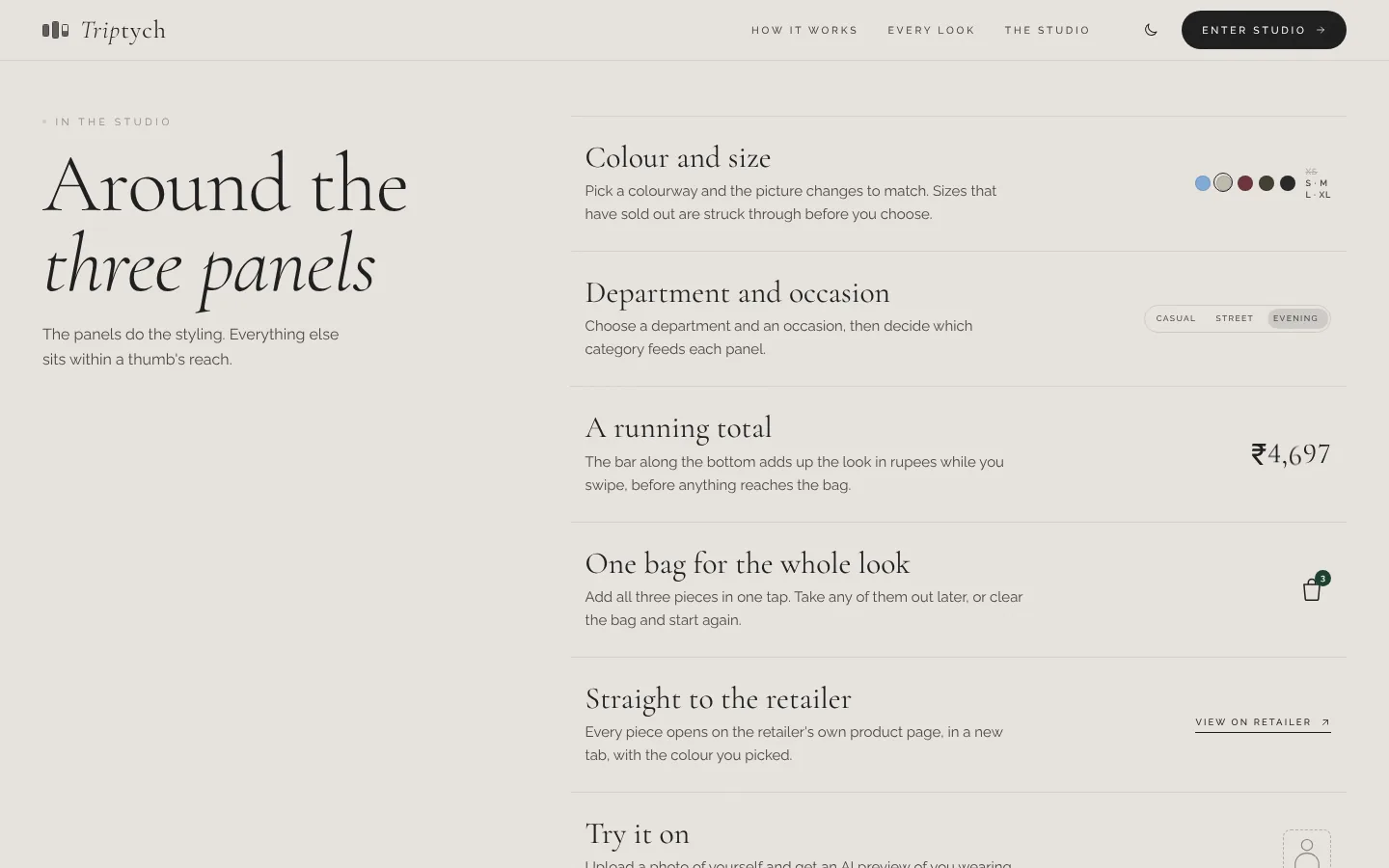
Colour and size
Pick a colourway and the picture changes to match. Sold-out sizes are struck through before you choose.
Department and occasion
Choose a department and an occasion, then decide which category feeds each panel.
A running total
The bar along the bottom adds up the look in rupees while you swipe, before anything reaches the bag.
One bag for the whole look
Add all three pieces in one tap. Take any of them out later, or clear the bag and start again.
Try it on
Upload a photo of yourself and get an AI preview of you wearing the outfit.
A catalogue that keeps itself current
Pieces are pulled in from the retailer’s listings on a schedule, so nobody loads products by hand.